Why this course?
Blender is one of the most powerful 3D tools in the world — and it's completely free. This course cuts through the noise. In 30 focused minutes you'll understand space, camera, and light well enough to produce professional results.
Zero overwhelm
We skip the buttons you don't need. Focus only on what matters for a real 3D result.
Space & Story
Understand how 3D space, framing, and composition work together to tell a story.
Fast visual results
Produce two high-end still renders and your first camera animation in a single session.
Free professional tool
Blender is 100% free and open-source. No subscriptions, no barriers to your creativity.
Template included
Start with a ready-made professional scene so you spend time learning, not setting up.
Course Program (30 min • 6 Modules)
Introduction & Final Result
- What is 3D and the course structure
- Preview of the final still and animation
- Basics of objects, light, and camera
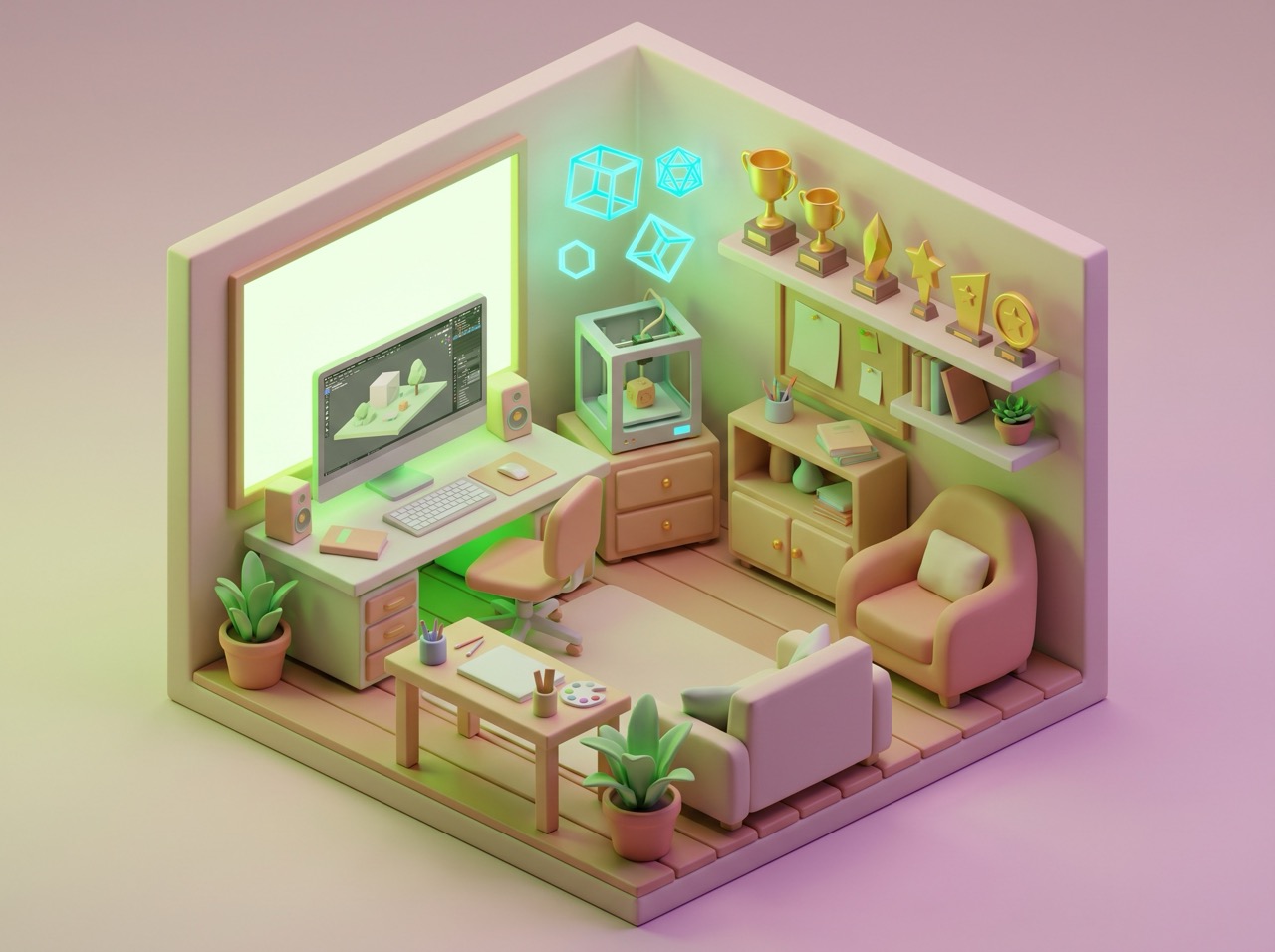
Setting the Scene
- Navigation: orbit, pan, and zoom
- Basic transforms: move, scale, rotate
- Importing the template and first render

Composition with Objects
- Arranging props and visual balance
- Foreground vs background interest
- Scale and positioning for impact
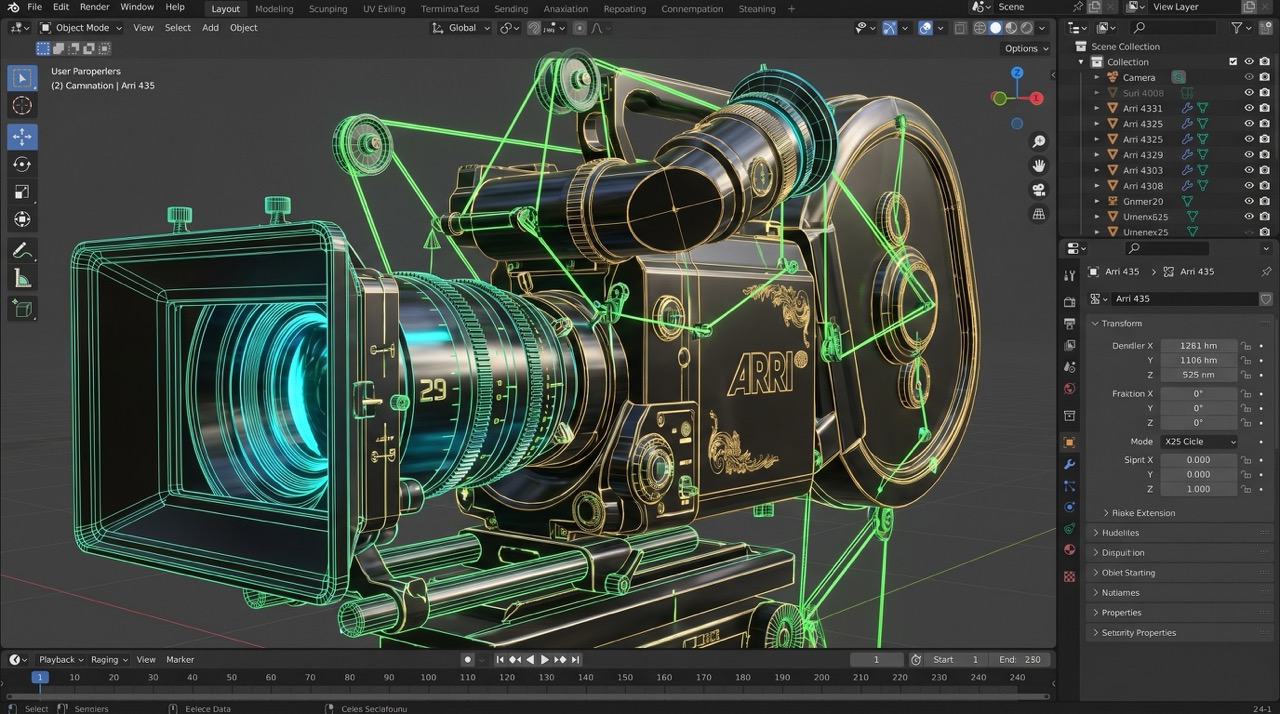
Camera & Framing
- Adding and positioning cameras
- Framing angles and cinematic distance
- Depth of field and professional layering
Camera Animation
- Setting keyframes in Blender
- Push-in and orbit camera moves
- Timing basics for smooth motion

Final Render & Review
- Exporting files and final renders
- Recap: navigation, composition, story
- Next steps for 3D visualization
What you'll create
By the end of the course you'll have two export-ready still renders and one smooth camera animation — all made in Blender with a professional product-style look.
First Still Render
basic scene setup
Polished Render
with camera framing
Camera Animation
push-in or orbit
Exported Files
portfolio-ready
What Parents Say
My 14-year-old son was always playing games; now he's creating them. He finished his first 3D room in one afternoon and felt so proud.
I wanted a course that wasn't just "follow me". This taught my daughter 3D space and logic that she now uses for her school projects.
Who is this workshop for?
For Schools & Students
- Perfect for beginners curious about 3D worlds
- Fits into a single class period or creative project
- Develops spatial thinking and basic Blender skills
- Transferable skills for games and architecture
- Teacher support and resources available
- Immediate hands-on practice with real results
For Business & Teams
- Upskill design and visualization teams quickly
- Produce simple product renders in-house
- Reduce turnaround times for prototypes
- Establish a common 3D workflow foundation
- Group licensing and team onboarding
- Extend with mentored review sessions
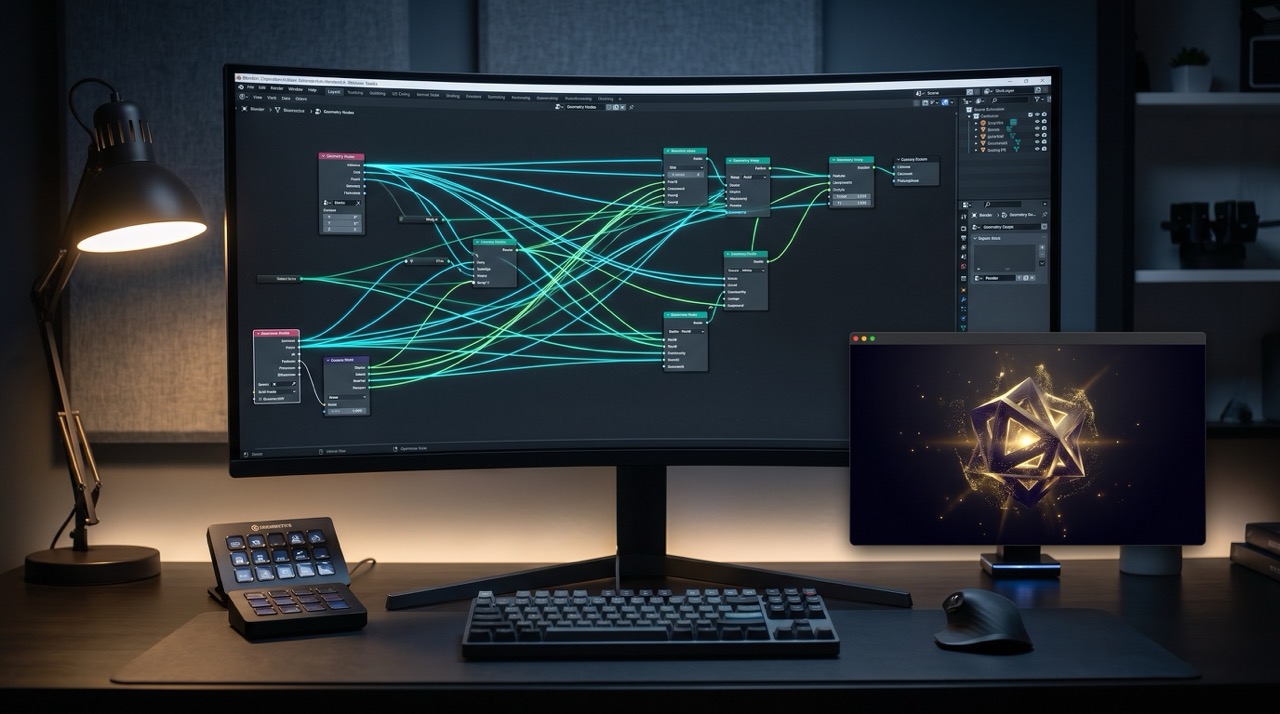
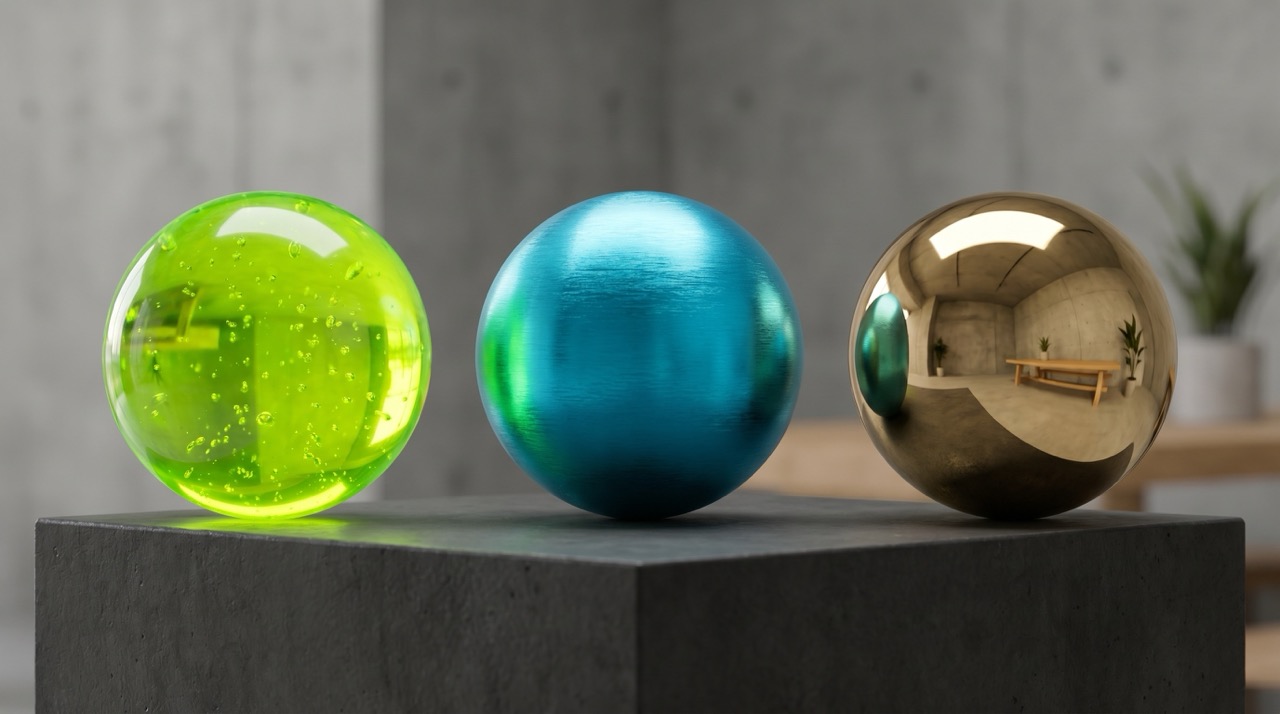
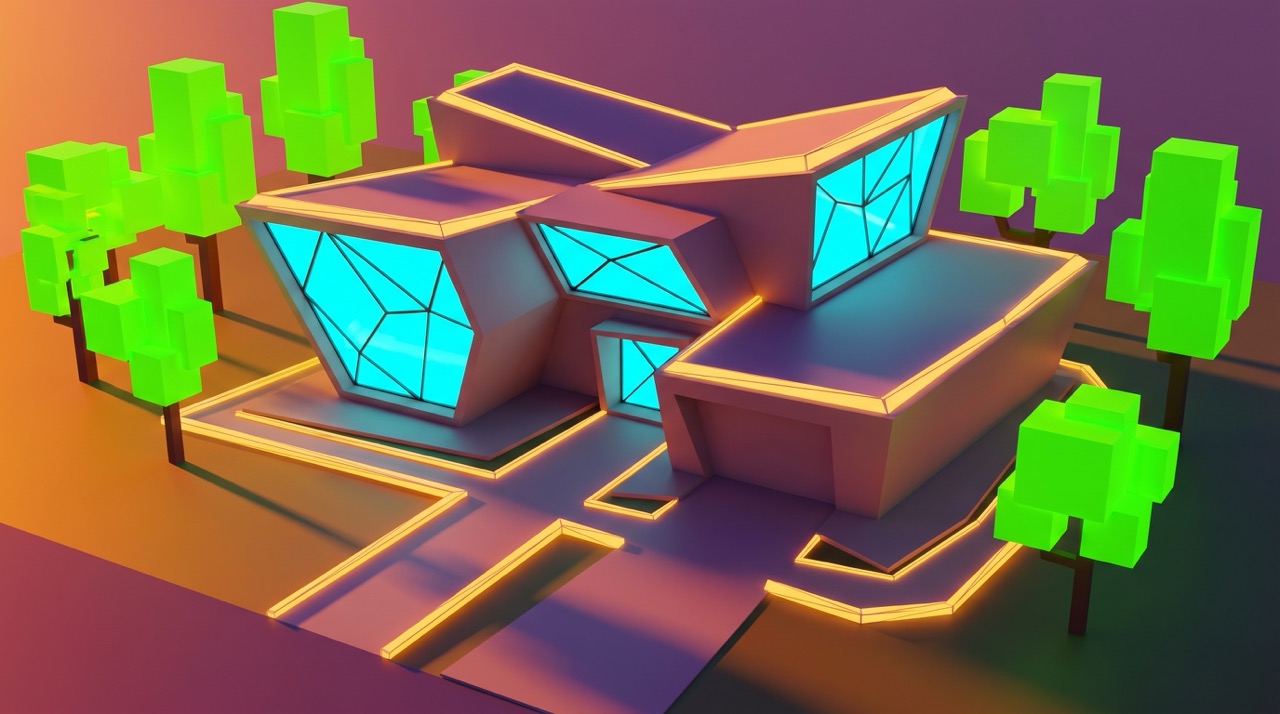
Gallery: 3D Visualization & Blender Workflow

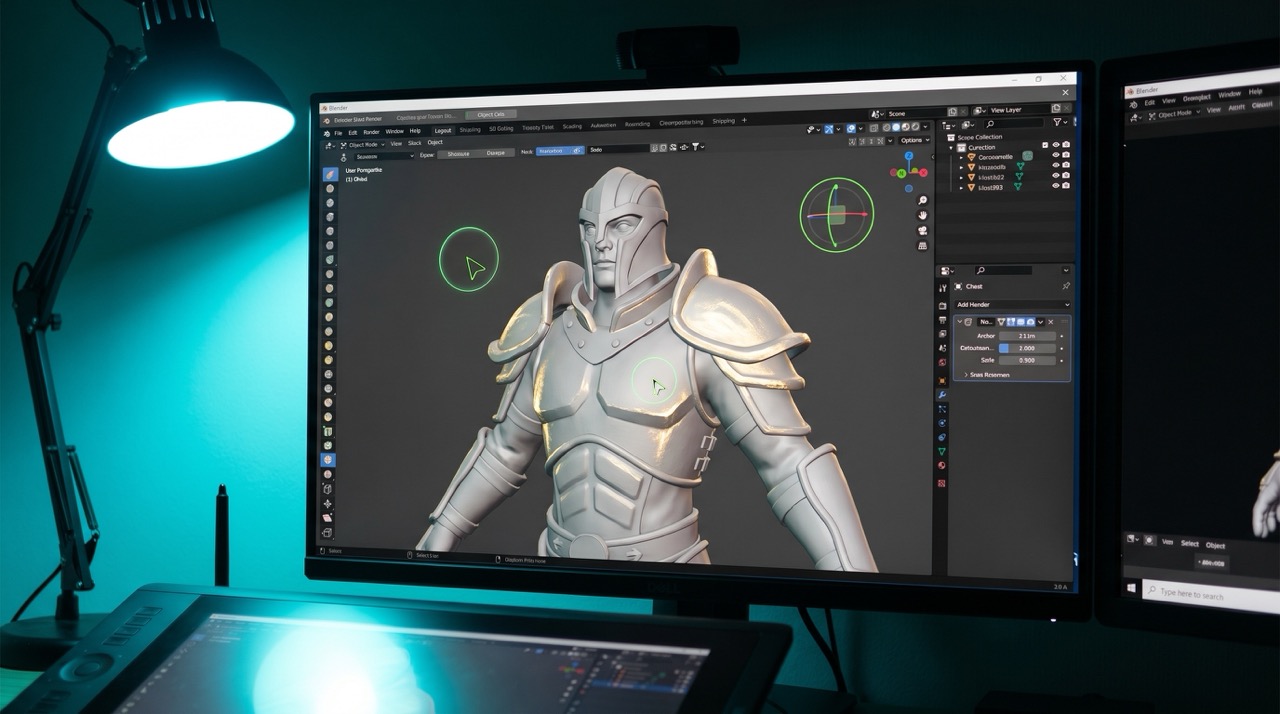

Wonder Studios • Wonder Makers
Who teaches the course?
Nikolay has worked since 1998 as an animator, visualizer, and director on architectural, TV, film, and web projects. He graduated in Animation from New Bulgarian University (NBU) in 2009 and has taught at several universities. He is also the creator of the mobile application Cinema Illustrated, reflecting his passion for cinema, visual storytelling, and modern digital tools. Nikolay strongly believes in the need for better, contemporary education and serves on the jury of Computer Space. He enjoys attending events focused on visual effects, web technologies, and art, and spends his free time playing tennis, bowling, and swimming.
Prices & Options
Course only
One-time payment
- Access: All 6 video modules
- Resources: Blender template + project files
- Community: Discord access
With Mentor
One-time payment
- Access: All 6 video modules
- Resources: Blender template + project files
- Community: Discord access
- Feedback: 2 video reviews of your work
All Three Courses
Drawing + Motion + 3D
- Access: All Wonder Makers courses
- Resources: All templates and files
- Mentor: Personal reviews on everything
- Bonus: Exclusive live sessions
Training Inquiry
We'll open your email with a pre-filled message — just add any details and send.
Continue Your Creative Journey
Expand your skills with related courses and save with bundles.
Motion Graphics
Learn keyframes and timing in After Effects — skills that transfer directly to 3D animation.
View course →Graphic Design
Master composition and visual hierarchy — essential for beautiful 3D renders.
View course →Design + Motion + 3D
Get all three Software Intro Courses and save. €79 / 155 BGN.
Save with bundle →Coming Soon
Join the waitlist to get notified when the course launches and receive an exclusive early-bird discount.
Frequently Asked Questions – 3D with Blender
None at all. The course is specifically designed for people who have never opened Blender — or any 3D software — before.
Yes, completely. Blender is open-source software available at blender.org at no cost.
Total video time is 30 minutes. Expect to spend 60–90 minutes to complete the full project alongside the videos.
A modern laptop or desktop will work. The template scene is optimized to render quickly on most hardware.
Yes! We focus on creating fun 3D objects (like isometric rooms or characters) which keeps young learners motivated and excited about 3D space.